
What True to Size Actually Tells You About Sneaker Fit
Decode TTS, runs small and runs big before buying sneakers. Find the right reference size, check width, and separate model guidance from a reviewer's verdict.
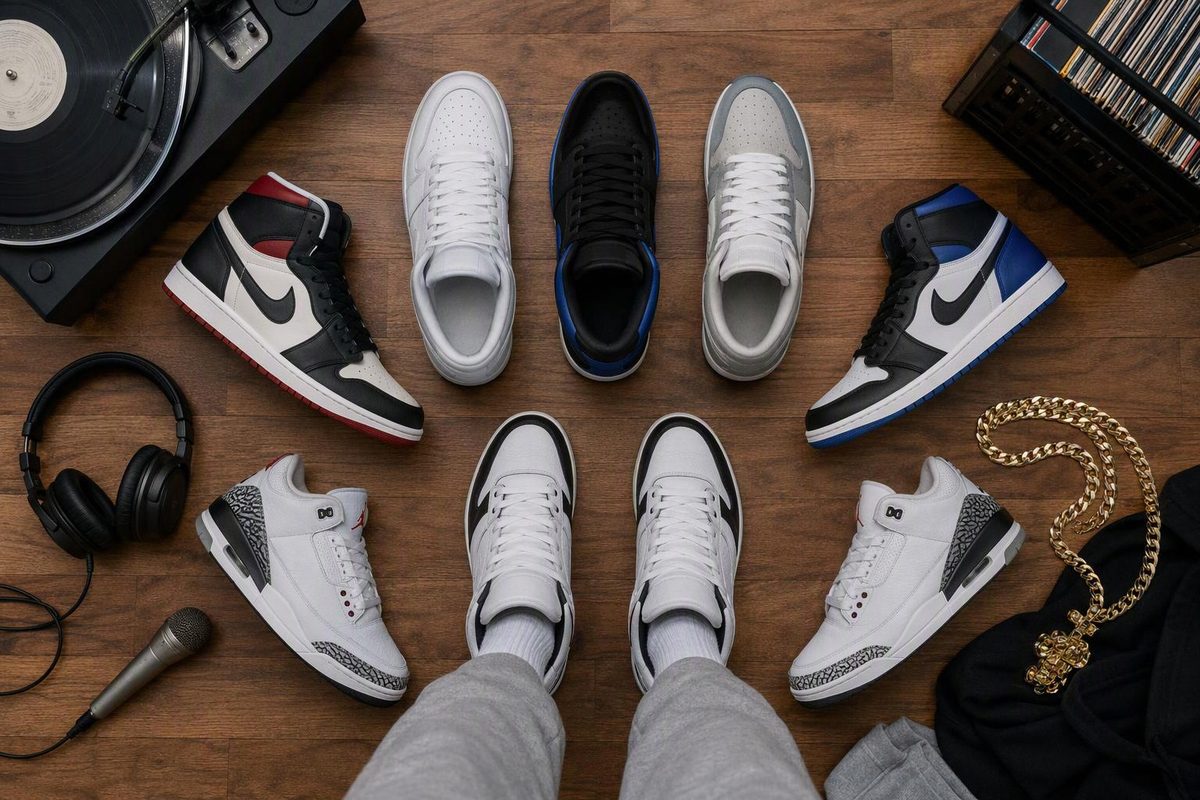
“True to size” means a sneaker is expected to fit in your usual size, without sizing up or down. Often shortened to TTS, it is a sizing recommendation—not a promise that the shoe will suit every foot. For example, adidas describes the Ultraboost 5 as true to size and tells buyers to choose their regular size in its official Ultraboost sizing guide.
If your usual size is US men’s 10, a TTS recommendation means starting with US men’s 10 in that model. It does not mean buying a shoe that fits tightly with no space around your toes.
Select the fit guidance you found and any fit problem; the tool shows what that guidance supports.
Decode The Fit Recommendation
Start with your usual size.
TTS specifies no size adjustment. Use a reliable baseline in the correct brand and sizing category, not a size you deliberately changed for another model.
The fit is still unverified. Check toe space, width, and heel and midfoot security when you try the pair.
Source: The article’s definitions and model-specific examples; Nike fit guidance and adidas Ultraboost guidance. No universal size change is inferred from a fit problem.
TTS Means Your Usual Size, Not A Guaranteed Fit
A TTS label answers a narrow question: should you change your normal size for this sneaker? The answer is generally no. It does not answer whether the shoe’s width, heel shape or overall feel will work for you.
That distinction matters when reading a release review or shopping a model you have never worn. “I went TTS” tells you what size the reviewer bought relative to their own baseline. It does not establish that your feet and theirs need the same fit adjustment.
Use TTS as a starting recommendation, then check the exact model’s guidance and the fit on your foot. A size can be the recommended starting point and still turn out to be unsuitable for a particular wearer. That is not necessarily a contradiction: the recommendation is broad, while the try-on is personal.
Runs Small Or Big Needs An Exact Adjustment
These phrases describe how a model fits relative to a reference size. Only an explicit adjustment tells you which different size to try.
| Fit Description | Meaning | If Your Usual Size Is US Men’s 10 |
|---|---|---|
| True to size / TTS | Start with your usual size | Try 10 |
| Runs small | Usual size may feel tight or short | Try 10.5 only if told half up |
| Runs big | Usual size may feel roomy or long | Try 9.5 only if told half down |
“Runs small” alone does not specify half a size up, and “runs big” alone does not specify half a size down. Neither phrase supports automatically moving a full size. Look for the adjustment in the exact model’s fit notes rather than supplying one yourself.
Also separate the description from the reason. A reviewer may call a sneaker small because their toes reach the front, or because the sides squeeze. Those are different fit problems. The phrase becomes more useful when the reviewer explains what felt wrong and which size change, if any, resolved it.
Your Baseline Must Use The Same Sizing System
Keep the sizing system and category consistent: US men’s, US women’s, UK and EU numbers are not interchangeable. A bare “10” is not enough information to compare recommendations if one person means US men’s and another means a different category or system.
When switching brands, check the new brand’s chart rather than assuming the number transfers unchanged. Nike’s foot-measuring guide notes that brands’ approaches to size and fit vary and recommends comparing measurements with the relevant chart.
This is the practical limit of “buy your usual size.” The phrase assumes you already have a useful reference for the brand and sizing category involved. If you do not, establish that reference from your measurements and the relevant chart before interpreting a TTS recommendation.
For cross-brand shopping, use our adidas vs. Nike sizing guide. Treat the chart comparison and the model’s fit advice as separate steps: the chart identifies the size label to consider, while the model guidance tells you whether that starting size needs an adjustment.
An Adjusted Air Force 1 Size Is Not A Universal Baseline
Your size in an unusually roomy sneaker may not be a useful reference for everything else. Nike says Air Force 1s generally run big and recommends half a size below your usual Nike size, while allowing your usual size for wide feet. Some editions can fit differently, so Nike advises checking the product’s “size & fit” information in its official Air Force 1 guide.
Suppose your usual Nike size is US men’s 10 and you buy an Air Force 1 in 9.5 following that half-size-down advice. The 9.5 is a model-specific adjustment. It does not automatically become your reference size when another Nike sneaker is described as TTS.
In that example, a TTS recommendation for the other model points back to your usual 10, not necessarily your adjusted AF1 size. The distinction prevents you from carrying one model’s exception into an unrelated purchase.
The same logic applies when someone names a familiar sneaker as their reference. “TTS compared with my AF1s” is not as clear as stating their usual Nike size, their AF1 size and whether they deliberately sized down. Without that context, you cannot tell which baseline they mean.
A True-To-Size Sneaker Can Still Be Too Narrow
TTS does not mean “fits every width.” Adidas calls the Ultraboost 1.0 true to size for most people but recommends half a size up for wider feet in the same Ultraboost guide linked above. That is model-specific advice: it should not be turned into a rule for every Ultraboost or every adidas sneaker.
The Ultraboost examples show why the full recommendation matters. “Ultraboost is TTS” loses the distinction between the Ultraboost 5 guidance and the Ultraboost 1.0’s wider-foot exception. Keep the model name attached to the claim.
If your toes have enough space in front but the sides squeeze, identify that as a width issue rather than simply calling the shoe too small. A longer size is not automatically the right answer to a width problem.
Nike’s sneaker-fit guidance recommends trying a wide or extra-wide option if regular width feels too narrow. Our EE shoe-width explainer covers the difference between a width designation and a length size. Where an exact model has a specific wider-foot recommendation, consider that guidance rather than applying a blanket rule.
Check Length, Width And Hold Separately
Nike’s fit guidance gives three useful checks: your toes should not press against the front, you should be able to wiggle them without side-to-side squeezing, and your heel and midfoot should feel secure without your foot sliding around.
| Fit Area | What To Check | What TTS Does Not Settle |
|---|---|---|
| Length | Toes do not press against the front | Whether your foot has enough space |
| Width | Toes can wiggle without squeezing | Whether regular width suits you |
| Heel and midfoot | Foot feels secure, without sliding | Whether the shoe holds your foot well |
Do not collapse those checks into a single verdict based on the label. A sneaker can have acceptable length but feel restrictive across the sides. It can also have room for your toes while feeling insecure around the heel. Calling either pair TTS does not resolve the specific problem.
Likewise, do not interpret “true to size” as “as tight as possible.” The goal is not to remove all space around the foot. It is to find the recommended size that also passes the fit checks. If the size label looks right but the shoe fails those checks, the label is not a reason to keep it.
Measure Before Choosing An Unfamiliar Brand
Before ordering, measure both feet with the socks you intend to wear and use the larger foot’s measurements, as Nike’s measuring instructions recommend. Then check the relevant brand chart and the exact model’s fit notes.
Measurements are especially useful when your “usual size” is uncertain. Perhaps your current sneakers carry different size labels, or your most-worn pair is one you deliberately bought smaller. In that situation, choosing whichever label you remember first does not establish a reliable TTS reference.
Use the chart to identify a starting size, then read the model recommendation in relation to that starting point. If the model is described as TTS, there is no stated adjustment. If the guidance explicitly calls for half a size up or down, that is the adjustment to evaluate.
The draft’s sources do not establish a universal numerical allowance for toe space or a single cross-brand conversion rule. Do not infer either from the letters TTS. Follow the relevant measuring instructions and assess the actual fit rather than adding an unsupported measurement rule.
A Useful TTS Review Names Its Reference
A reviewer’s TTS verdict is more useful when they disclose their reference size and foot width. “My usual Nike size is US men’s 10, and I wore 10 in this model” explains the comparison. “TTS” on its own leaves the reference unstated.
Look for the exact model or edition, too. Nike’s Air Force 1 guidance explicitly allows for differences between editions. A review of one version should not silently become fit advice for every sneaker sharing part of its name.
Then look for a description of the fit, not just the size selected. Did the reviewer have adequate toe room? Did the sides squeeze? Did the heel feel secure? Those details help you decide whether their experience addresses your concern.
A review can still be useful without every detail, but uncertainty should remain uncertainty. If the reviewer gives no foot-width information, their TTS verdict does not establish that the sneaker will suit wider feet. If they omit their sizing category, their size number is not a complete comparison.
Conflicting Recommendations Need Context, Not Averaging
When a brand says TTS and a reviewer says to size up, first check whether they are discussing the same model and edition. Then compare the reviewer’s baseline and stated fit problem with your own.
The Ultraboost 1.0 example shows how apparently conflicting advice can coexist: TTS for most people and half a size up for wider feet are both part of adidas’s guidance. Quoting only one part removes the condition that explains the difference.
Do not average recommendations or assume the larger size is safer. Instead, identify what each recommendation actually supports. An official model note provides the stated starting point; a detailed review can describe an individual experience. Neither substitutes for checking whether the pair fits your foot.
If all you have is “runs small,” the exact adjustment remains unknown. Seek the model’s fit notes or a more complete account before choosing a different size purely from that phrase.
Translate The Label Into A Purchase Decision
For a sneaker described as TTS, start with your usual size in the correct brand and sizing category, provided that baseline is reliable. Keep any model-specific exceptions attached to the recommendation, particularly wider-foot guidance.
For a sneaker described only as running small or big, do not guess the size change. Find an explicit adjustment. If you already tried the pair, describe the actual problem—front pressure, side squeezing or slipping—rather than relying on the broad label alone.
The meaning of TTS stays simple: no recommended change from your usual size. The purchase decision needs more context. Your reference size, the exact model and the fit across length, width and hold determine whether that recommendation works for the pair you are buying.